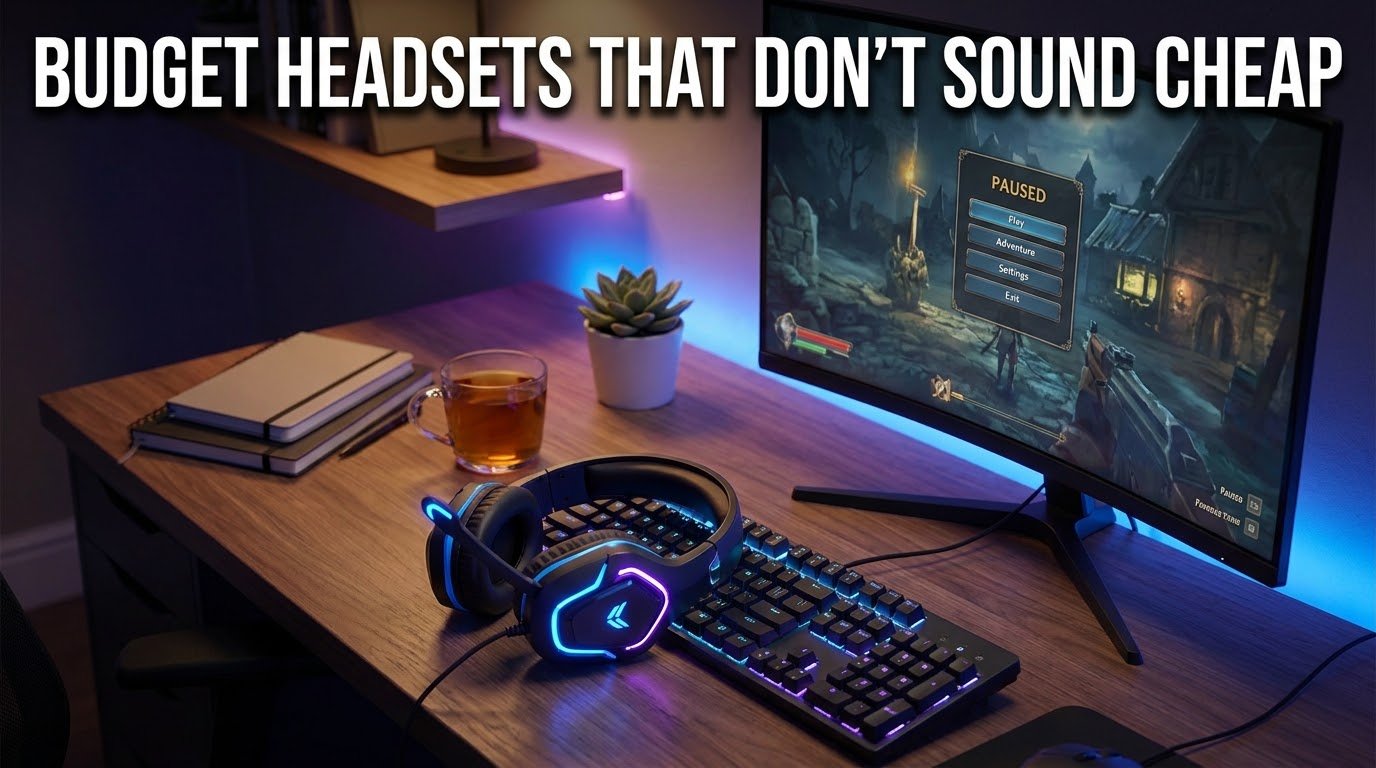
I still remember the day I unboxed a $15 gaming headset from a random Amazon seller. The mic sounded like I was talking through a tin can underwater, the bass was basically non-existent, and after two hours my ears felt like they’d been in a vice. My squad on Discord kept asking me to repeat myself. That was the moment I realized “budget” doesn’t have to mean “garbage” but you do have to know what you’re actually buying.
Since then I’ve gone through probably a dozen headsets in the sub-$100 range, some great, some genuinely painful. This isn’t a “top 10 list copied from a spec sheet” kind of post. This is what I’ve actually plugged into my PC, PS5, and phone, and what surprised me good and bad.
Why “Cheap” and “Bad” Aren’t the Same Thing
A lot of people assume that if a headset costs under $60, it’s automatically going to sound thin and flimsy. I thought that too, until I tried a few mid-tier options that punched way above their price.
The truth is, headset pricing has a lot to do with branding, packaging, and RGB lighting not always sound quality. Once you strip that away, some budget headsets use nearly the same drivers as headsets twice the price.
The trick is knowing which corners actually matter and which ones don’t.
What Actually Matters When You’re on a Budget
Before I get into specific picks, here’s what I’ve learned to actually check, based on trial and error (mostly error).
1. Driver size isn’t everything, but it’s a decent clue. Most decent budget headsets use 40mm or 50mm drivers. Bigger isn’t always better, but anything under 40mm on a gaming headset usually sounds hollow.
2. Closed-back vs open-back. For budget gaming, stick with closed-back. Open-back headsets sound more “natural” but leak sound like crazy, and at low price points, the seal quality is usually inconsistent anyway.
3. Mic quality matters more than people think. I learned this the hard way. I once bought a headset purely based on how the headphones sounded, ignored the mic reviews, and ended up muted by three different friends in one gaming session. If you play multiplayer or stream even casually, test the mic before committing, or at least read mic-specific reviews, not just audio ones.
4. Comfort for long sessions. A headset can sound amazing and still be unusable if it clamps your skull like a vice after an hour. Memory foam ear cushions make a bigger difference than most people expect.
Headsets I’ve Actually Used (And What Surprised Me)
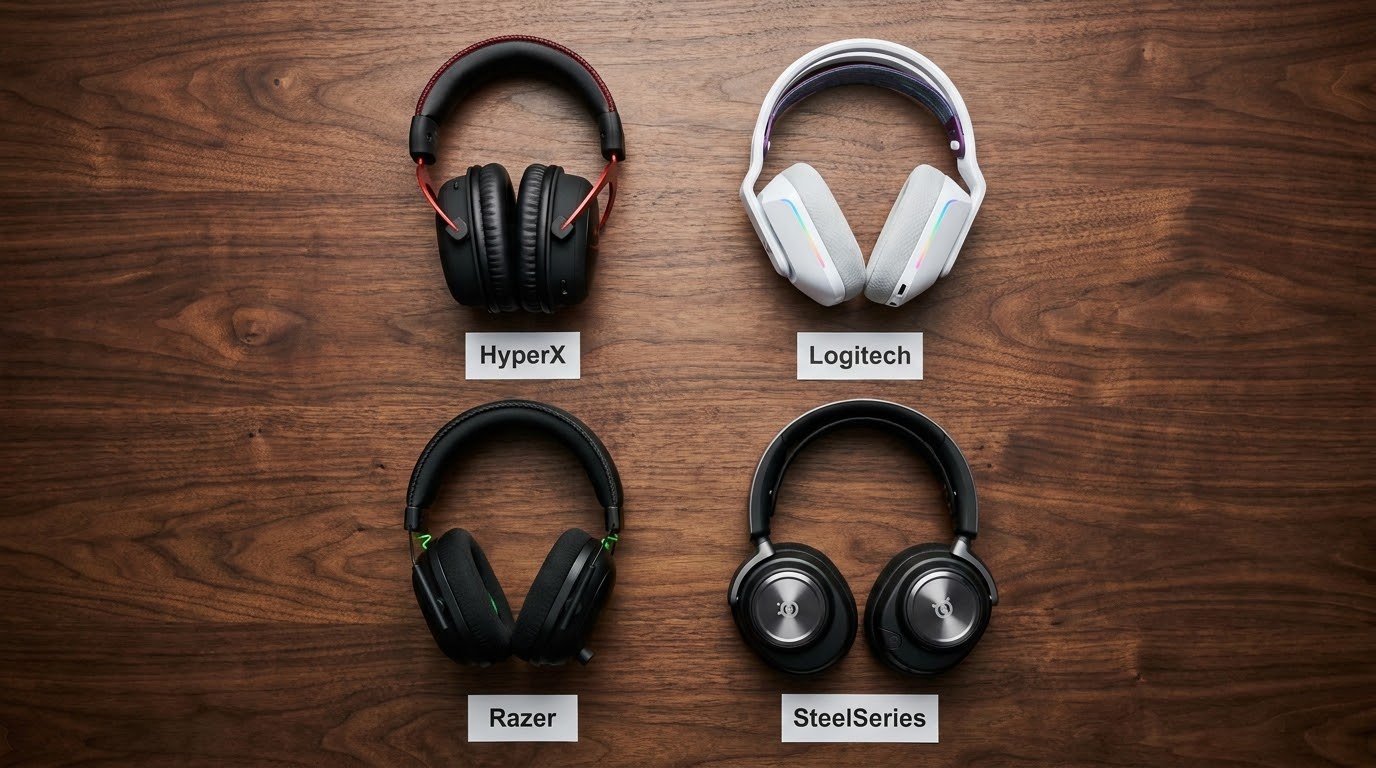
HyperX Cloud Stinger 2
This was honestly the headset that changed my mind about budget gear. I bought it expecting “fine for the price” and got something that genuinely competed with headsets I’d paid more for. The bass isn’t overpowering, which I actually prefer for competitive shooters where footsteps matter more than explosions. The mic is surprisingly clear too no one on my Discord ever asked me to repeat myself with this one.
Mistake I made: I initially had the EQ cranked up thinking it’d sound “fuller.” It just muddied everything. Flat or slightly bass-boosted settings worked way better.
Logitech G335
This one surprised me because it’s marketed more as a “lifestyle” headset than a hardcore gaming one, but the sound stage is wider than I expected for the price. It’s lightweight too, which matters a lot if you’re someone who games for 3+ hours at a stretch like I sometimes do on weekends.
The mic is detachable, which I like. I can pop it off and use the headset just for music or calls without looking like I’m about to jump into a raid.
Razer Kraken X
I was skeptical of this one because Razer’s premium stuff is pricey, and I assumed their budget line would feel like an afterthought. It didn’t. It’s not going to blow you away with bass, but for competitive games like Valorant or CS2, the directional audio is genuinely useful. I could pinpoint footsteps way more accurately than with some pricier headsets I’ve tried.
Downside: the mic quality is average at best. Fine for casual squad chat, not great if you’re trying to sound professional on a stream.
SteelSeries Arctis 1
This is the one I recommend to friends who play across multiple platforms PC, PS5, Switch, phone. It comes with a USB-C connection and works with basically everything without needing extra software or drivers. The sound isn’t the most “premium,” but it’s balanced and doesn’t fatigue your ears.
I actually gifted this one to a friend who complained his old headset made his ears hurt after an hour. He messaged me two days later saying he finally finished a full Elden Ring session without wanting to rip his headset off.
Step-by-Step: How to Actually Pick the Right One for You
If you’re overwhelmed by options, here’s the process I now use whenever I’m buying (or recommending) a budget headset.
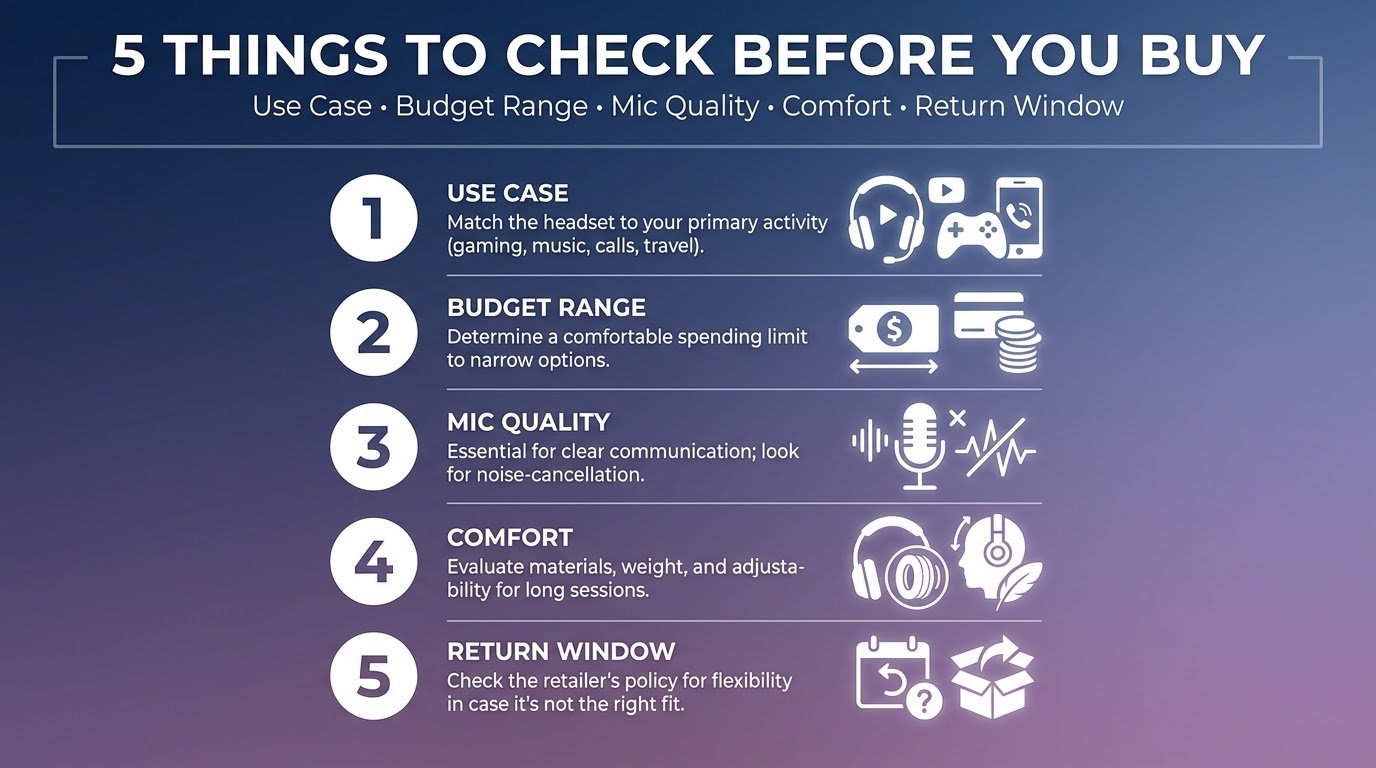
- Figure out your main use case first. Competitive shooters? Prioritize directional audio and mic clarity. Story-driven or open-world games? Prioritize comfort and bass.
- Set a real budget range, not just a number. I usually search within a $20 window (like $40–$60) instead of a single price point, since sales fluctuate a lot, especially around events like Black Friday or Steam sales season.
- Check mic reviews separately from audio reviews. These are almost never the same thing, and a lot of listings blur this.
- Try it within the return window. Comfort is personal. What feels fine on someone else’s head might feel like a clamp on yours. Most retailers give you 15–30 days — actually use that window.
- Don’t ignore your PC’s other specs. A great headset won’t fix stutter or lag issues that are actually caused by hardware bottlenecks elsewhere. If your games are chugging even with a solid headset on, it might be worth checking whether your system’s memory is the real culprit. I broke this down in more detail in how much RAM you actually need for gaming, which pairs well with getting your audio setup sorted too.
Common Mistakes People Make (I’ve Made Most of These)
- Buying based on looks alone. RGB lighting doesn’t improve sound quality. I’ve fallen for this more than once.
- Ignoring impedance ratings. If you’re plugging into a phone or console without an amp, high-impedance headsets can sound quieter than expected.
- Skipping the burn-in period. Some drivers genuinely sound better after a few hours of use. I almost returned a headset thinking it sounded flat, then noticed a difference after a couple days.
- Not checking cable length or connection type. I once bought a headset with a cable way too short for my desk setup and had to use an extension cord, which added noticeable latency issues with the mic.
- Assuming “gaming” branding guarantees quality. Plenty of general-purpose headphones outperform “gaming” branded ones in raw audio quality the gaming label mostly refers to the mic and closed-back design.
Final Thoughts
Honestly, the biggest lesson from all this trial and error is that budget gaming headsets have gotten seriously good over the last couple years. You don’t need to spend $150+ to get something that sounds clear, feels comfortable, and doesn’t embarrass you on voice chat.
What matters more than the price tag is matching the headset to how you actually play and being willing to return something that doesn’t fit right, instead of just settling because you already spent the money.
If you’re setting up or upgrading your whole gaming rig this year, it’s worth checking your overall setup for bottlenecks too for reference, external sources like Tom’s Hardware regularly test gaming peripherals and components if you want a second opinion before buying.
Test a few, don’t rush it, and trust your ears more than the marketing copy.