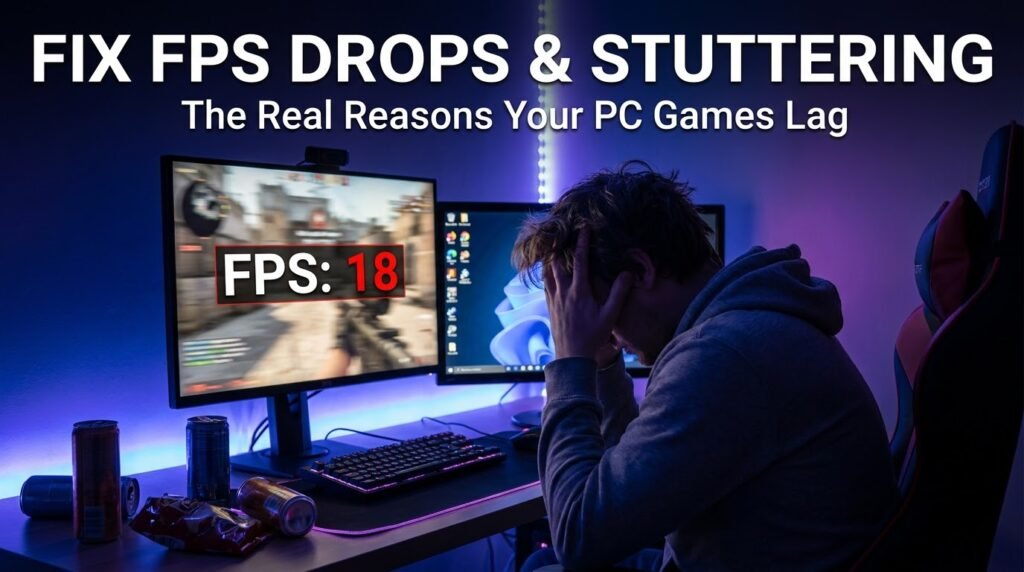
3 months ago my nephew texted me at 11pm: uncle I bought a graphics card but the games look worse than my PS5, did I get scammed?
No scammer here. Just got a decent RTX 4060, plugged it into a decade-old power supply that wasn’t able to power it properly, and ran every game at native 4K on a 1080p display without fiddling with anything. The typical newbie experience.
I have now spent two hours on a video call with him explaining this, when it really should have taken 15 minutes if someone had just explained the basics first. That one conversation is pretty much this article.
Thinking of making the switch to PC gaming in 2026? Or coming from the console world – or just never quite getting into games, in general. Well, I want to save you the 11 PM panic texts. I’ve spent the last eight years or so putting together PCs for gamer friends and family members as well as troubleshooting their PCs and the mistakes they make are nearly always the same few things.
Why PC gaming is actually worth it today
I won’t lie, it’s not always cheap to PC game. But 2026 probably is one of the good years to PC game. Price for last-gen Nvidia and AMD GPUs plummeted hard once the new RTX 50-series and AMD RX 9000-series cards launched, so you can get hardware that is good enough to relax when playing with console-tier specifications if you’re willing to wait and buy used or open-box.
The third thing no one mentions about PC gaming, isn’t just “better graphics.” It’s all the mods, it’s all the backward compatibility with basically all of your previous gaming experience, it’s having Discord and streaming services integrated directly into the machine, and it’s not having to be locked down to a single digital storefront. My friend is still playing a heavily modded, 2011 version of Skyrim that feels and plays like a totally new game.
Step 1: Define what it is you’re actually trying to build for
Before you even look at a spec sheet, be real with yourself… what do you really want to play?
- Competitive shooters (Valorant, CS2, Apex)? Faster frame rates are more important to you than sheer graphical muscle. A mid-range GPU paired with a fast monitor beats a top-tier GPU on a 60Hz screen every time.
- Story-centric, graphics intensive titles (Cyberpunk 2077, Alan Wake 2, whatever arrives this year)? You’ll need a beefier GPU and larger VRAM.
- Strategy or simulation games (Civilization, Cities: Skylines)? The CPU is more important than you might think, as these games require a lot of processing of units and calculations.
His mistake was buying a card intended for high-refresh competitive gaming and trying to max everything at 4K. Completely different use case. Match your hardware to what you actually do, not what that benchmark video you watched says.
Step 2: Build vs. Pre-build (The real answer)
Everyone online will also tell you, “Always build your own, it’s way cheaper.” That’s true – on paper. Here’s the thing, though: when you build your own computer, you have become your own tech support.
Here’s my honest breakdown:
Build your own if:
- You enjoy tinkering and don’t mind troubleshooting
- You have a buddy who’s assembled PCs in the past (true story: this will get you 90% of the way there, way better than watching a YouTube video).
- You deserve the most bang for your buck
Buy pre-built if:
- You just want to find games that are not difficult to learn
- You value your time over saving 10-15%
- You’re purchasing during a sale from a high-quality builder (I’ve actually had good experiences with iBUYPOWER and NZXT builds personally, and Best Buy’s own builds have had significantly better quality control in recent years).
That 1st PC I built in college was with no experience, a jumble of random forum posts, and plenty of stubbornness. It worked. Then I burned out my first motherboard on attempt number 2 after ignoring advice and being unaware of precautions needed for static electricity. Live and learn, literally wear an anti-static wrist strap or touch a grounded metal object. You can also read:
- Why Mobile Esports Still Hasn’t Reached Mainstream Legitimacy, Despite Bigger Prize Pools Than Ever
- I Tracked My Phone’s Battery Health for 3 Months of Daily Mobile Gaming, Here’s What Actually Drained It
Step 3: The Good Stuff (by order of importance)
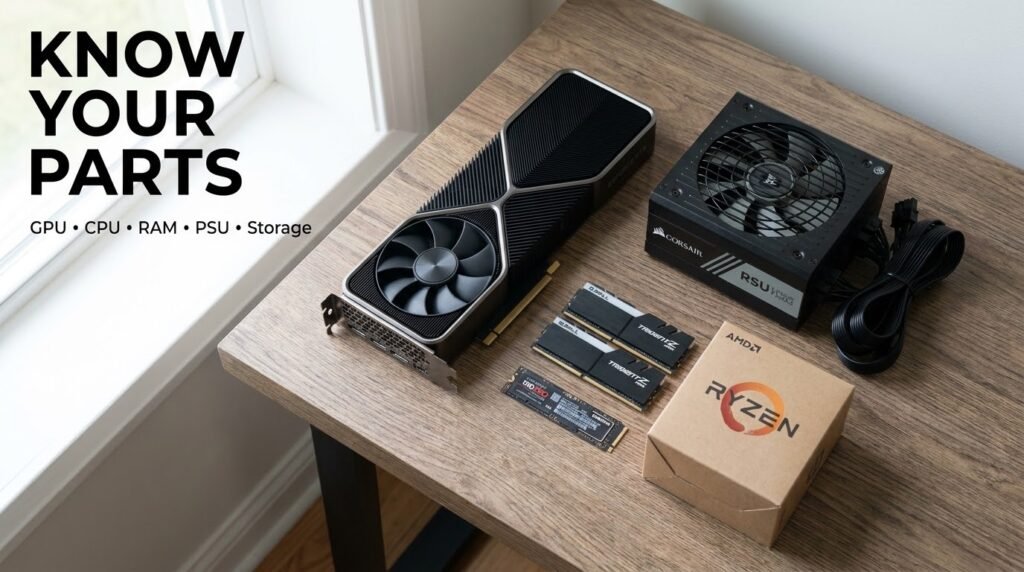
If you’re building or choosing a prebuilt, here’s about how much each of these components should influence your decision:
- GPU (graphics card) – your game performance engine. Invest the most in this.
- CPU (processor) – if it’s not paired well with your GPU you’ll “bottleneck” which is basically it’s too slow to give data to the GPU.
- RAM – 16GB is the realistic minimum in 2026. 32GB if you are a power multitasker or streamer.
- Storage – pick up an NVMe SSD over an ordinary HDD for your OS and most-played games. They make a difference, the difference, when it comes to load times.
- Power supply (PSU) – the mundane part we all ignore, and that is precisely why my nephew’s graphics card didn’t hold up. Don’t go cheap here. An underpowered or inferior power supply will give crashes, instability and in worst cases, damage to components.
- Monitor – a 144Hz+ monitor has a much bigger real-world impact than most GPU upgrades. Underrated every single time.
Step 4: Software installation that no one tells you about
Now to get onto the hardware, and this is where many beginners really get tripped up.
Install these first:
- Windows 11 (most games in this time period are developed based on it)
- Steam – The largest PC games store, also offers a very nice library system and cloud saves.
- GPU drivers from NVIDIA or AMD’s site, not just whatever Windows auto-installs. This alone cleared up more “my game is stuttering” issues than any other troubleshooting effort I made.
- Discord if you want to play games with friends – already the main voice chat app in PC games.
And finally, dive into your in-game options. The step the vast majority of gamers overlook. Do not just start a game and run around on the first settings you find. Spend five minutes in the graphics options:
- V-Sync or G-Sync/Free Sync (if supported) Enable V-Sync or G-Sync/Free Sync V-Sync or G-Sync/Free Sync these features should be enabled so that screen tearing doesn’t happen. If your game supports these features then I suggest turning it on.
- Adjust resolution to match your actual monitor
- The smaller shadows and reflections don’t require you to touch resolution scaling, those things are performance hogs for little visual return for most people.
Frequent Mistakes To Avoid
- Buying a GPU without checking your PSU can power it. It happened to my nephew. Each GPU has a suggested wattage so make sure you compare it to what your PSU can handle before purchasing.
- Ignoring monitor quality You’ve bought a $600 graphics card, and then you’re plugging it into a 60Hz monitor from 2015. You’re just leaving performance on the table that you already paid for.
- Not updating drivers. I know, I know. You just wanna pop the disc in and start playing – but out-of-date drivers are responsible for more random crashes and performance problems than just about anything else.
- Turning everything to the max just because it is “available.” If it has an Ultra setting, it probably looks very close to High when both are in motion, but the frame rate may be miserable. Test a few settings first.
- Neglecting to clean the dust from inside their PC. It seems like a small thing, but overheating due to a buildup of dust is one of the number one reason for random shutdowns and decreased performance over time. A quick spray with a can of compressed air every few months makes a big difference.
To Give You an Idea
When I upgraded my own machine last year, I went from a GTX 1660 Super to an RTX 4070 Super expecting everything to change drastically for a lot more money. It certainly was a leap, but only after I bought a new monitor that went from 60Hz up to 165Hz. Before I did that upgrade, I really didn’t notice the card doing a whole lot more because the display simply couldn’t draw any more frames than it used to. That’s an expensive lesson on the importance of matching the whole upgrade, not just your headline component.
A Few Things To Keep In Mind
The PC gaming experience has a reputation for being confusing. And honestly, they’ve earned that reputation. The choices aren’t as simple as grabbing a console off the shelf. But they’re really not that difficult if, rather than printing out a spreadsheet, someone just sits you down and explains the reasoning to you.
Begin with what you’d actually like to play, support your builds for that, don’t skip the dull stuff like drivers and your power supply, and take a few minutes in your options menu once everything’s up and running. That’s pretty much it.
By the way, my nephews rig is doing great now. New power supply, new monitor and about 10 minutes in the Nvidia control panel. Then he’s gone on to convince 3 of his friends to make their own pc so I guess that panic text was worth it after all.