The moment you walk into a Best Buy or B&H. Your wallet suddenly seems very, very light. 6. How to Fix & Optimize Warzone 2 & Call of Duty Warzone Connection Issues Last month my nephew called me in a panic because his brand new gaming PC was stuttering in Warzone even though he’d just dropped money on an RTX 5070.
First thing I asked him wasn’t about his GPU.
It was “how much RAM did you put in it?” 7. Make sure your CPU isn’t overheating AMD & Intel’s newest flagship chipsets can hit 100C.
Turns out he’d picked 16GB because the shop assistant told him “that’s more than enough for gaming”. Half a year ago maybe. Not any more.
I’ve built and rebuilt probably a dozen gaming PCs over the years, and when it comes to the sort of PCs most of us own, RAM is the component that everyone forgets about the most. Everyone gets distracted by the graphics card, and debates Intel and AMD, and then picks the cheapest possible memory kit. And I get it, RAM’s boring.
Now let’s get specific, because “it depends” isn’t really a viable answer, when you are potentially plunking down your hard-earned cash.
The Short Answer
If you need it quick: 16GB was just enough in 2026 – but I would suggest that was barely enough, rather than something you should shoot for. 32GB is the decent floor for most high-end gamers. If you are streaming, running Discord, OBS, a browser with 40 tabs open, and Spotify while you game (liar!) 32GB is where you have room to breathe.
64GB is definitely more than is absolutely necessary for gaming alone at this point, but if you do any video editing, run VMs or do some serious multitasking this wouldn’t be wasted.
Let me actually tell you why now, because that “just get more RAM” advice is just as useless without context.
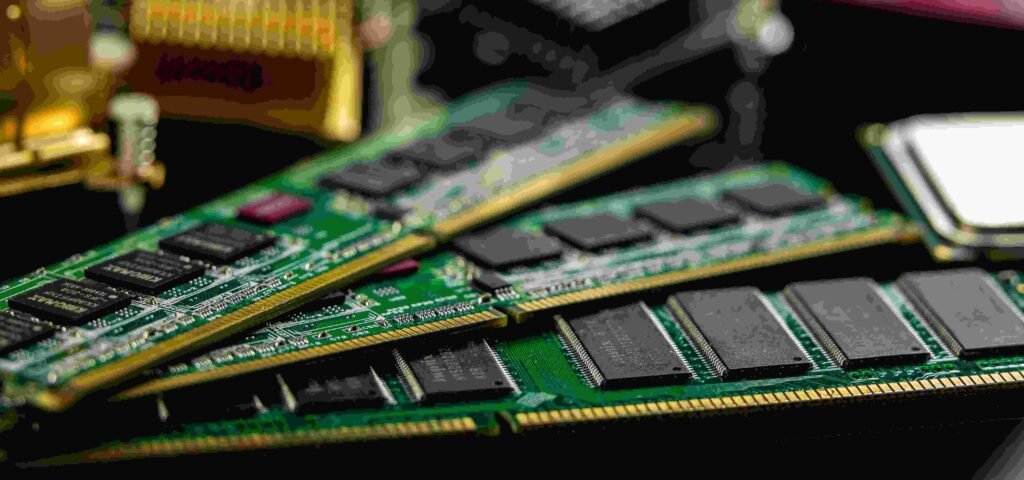
Why 16GB Isn’t Cutting It Anymore
Back when a $16GB used to feel like luxury. That was back in the 2018-2020 era. Games have come a long way since then.
Modern titles such as Call of Duty: Black Ops 6 Star Citizen and even Cyberpunk 2077 with all its updates and mods are more memory hungry than any older game ever was. Textures are higher resolution, open worlds larger and loaded with more assets and background Windows 11 processes have gotten bigger too.
This is what really happens to your game when you’re low on RAM: your game attempts to use your storage drive as a temp space for your RAM (Paging/Swap file). The fastest NVMe SSD is still a thousand fold slower than actual RAM. You experience stuttering, texture pop-in and brief one-two second pauses. It’s not that the game stalls, the game just briefly chokes.
I have also tested this myself on my own rig recently, going as low as 16GB to test against a typical scenario running Baldur’s Gate 3 in Act 3 (super demanding even with 64GB) with Chrome and Discord running. The frame times become very apparent in and its not unplayable, but that tiny stutter is quite annoying in gameplay, at least in combat.
You can also read:
- Best Monitor Refresh Rate for Gaming: 60Hz vs 144Hz vs 240Hz
- Blue Screen, Three Times in Ten Minutes, Right After I Turned On XMP
What’s so great about 32GB anyway?
When I doubled my gaming PC RAM from 16 to 32 gig (only 2 sticks, no highfalutin gaming RAM modules, and 2X nothing more) the uplift was not in avg fps, and my GPU was still the workhorse there. The difference was smoothness. Frame times evened out.
I wasn’t getting a half second hitch when I alt-tab’d.
Loads into a new zone in open-world games felt snappier.
That’s what people forget about RAM. It’s never really the number of FPS in a benchmark. It’s a fluid experience, and having room to multitask.
If you’re someone who:
- Streams to Twitch or YouTube while gaming
- Keeps Discord, a browser, and Spotify open
- Mods (Skyrim and Minecraft modpacks are RAM hogs) I’m not joking when I say I’…
- Runs newer AAA titles at high settings
…then 32GB becomes a ‘must have,’ not a ‘nice to have’-and that’s the real value of this tipping point. By 2026, you’re seeing most of the mid-range and high-end prebuilt PC all come with 32GB pre-installed, already, which reveals where we’re headed.
When You Actually Need 64GB
I’ll be honest with you, Most gamers do not need 64GB. I have it in my workstation because I also edit video and run some virtual machines for testing software – not because of my games.
You’d want 64GB if:
- Juggling a lot of content creation while gaming (editing 4K footage, streaming with a multitude of overlays & scenes)
- You run several games or emulators simultaneously
- You put your PC through its paces while gaming or at work (for instance, for 3D rendering or massive Excel spreadsheets filled with data)
As for pure gaming, even the biggest game out there, right now, rarely uses more than 20-24GB of total, including background Windows processes. So really, 64GB is future-proofing overkill.
Real Talk: What I’d Actually Buy Today
If I were given a budget at this very moment and told, “a gaming PC,” here’s what I would be looking at when it comes to RAM:
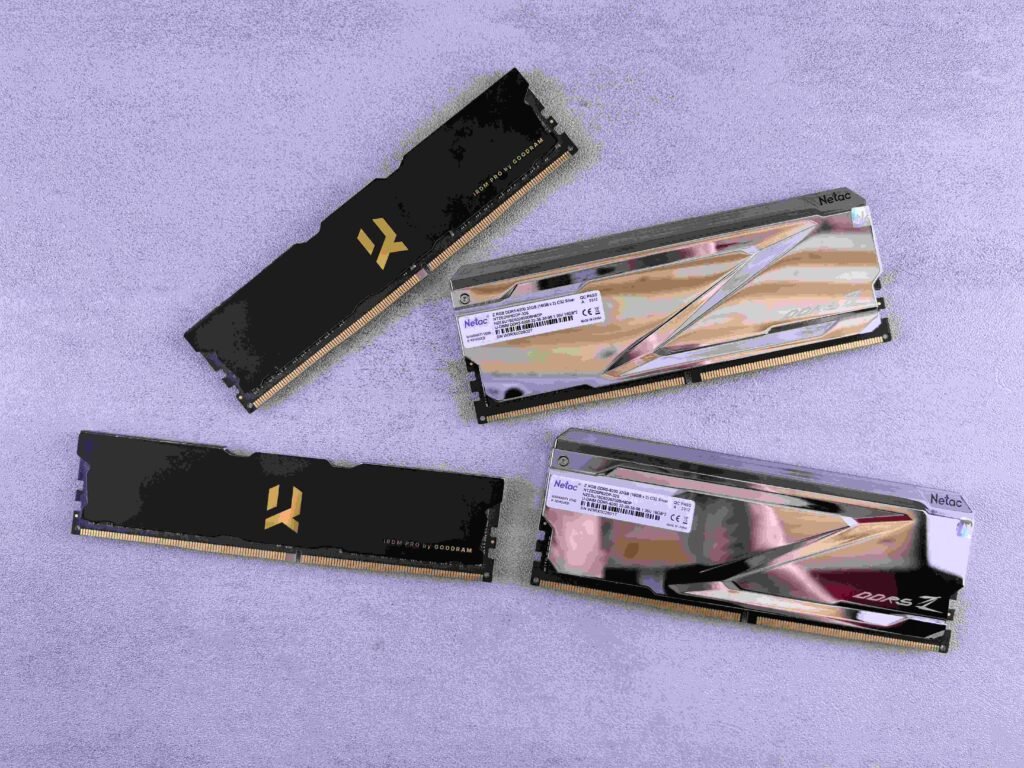
- Budget build (total $800 or less): I think 16GB is fine, but if the cost is not hugely more it might be worth trying to go to 32GB, if only a little, because RAM has been quite cheap for most of 2026 even relative to GPU prices.
- Mid-range build ($1000-1800): 32GB, no discussion. DDR5 kits are cheap enough these days that sacrificing on this to save $40 and put it into the GPU in your build isn’t worth the hit to daily performance.
- High-end build ($2000+): 32GB minimum, 64GB if you do any content creation on the side.
Step-by-Step: Figuring Out What You Actually Need
Rather than simply take someone else’s word for it-anyone’s, including this article-here’s what to do:
- Step 1: Launch Task Manager while gaming. Ctrl+Shift+Esc, select the Performance tab, then see the Memory graph while you’re playing the games you typically play with your normal background apps up.
- Step 2: Record your maximum usage If you’re regularly using 80-90% of your total RAM, you are going to experience stutters at some point, and more frequently in more active areas of the game.
- Step 3: See what’s really consuming. Go to the Processes tab and sort by Memory. Chances are you’ll be shocked to see how much Chrome, Discord, and other Windows background processes are using up on their own outside of the game.
- Step 4: Rely on actual data, not speculation. So if you’re filling 16GB consistently, then upgrading to 32GB is simply not optional anymore. You’re going to do it in the future regardless, so you might as well do it today before the problem arises during a game.
Mistakes I See People Make Constantly
- Buying unmatching RAM sticks. Mixing different brands or sizes of RAM sticks causes system instability. If they are different brands they will run at the slower of the two speeds you are running. Always purchase RAM in a matched kit as opposed to getting two different ones at different times.
- Not caring about RAM speed. We all want a big-capacity SSD, but faster SSDs are less likely to hurt performance, particularly on AMD systems where RAM speed impacts performance more than Intel. For current AMD builds, aim for DDR5-6000.
- Run RAM only in single-channel. This is more common than you think. You may think only having one stick of RAM would make no difference, but it actually does more than you think, as your PC cannot use dual channel mode. Fill at least 2 RAM slots.
- More RAM solves low fps if you have it. RAM won’t make your game run better. It smooths things out so you don’t get pauses – if your GPU is making your fps low, you’ll need a new GPU, not more RAM. Think about what you’re actually improving before buying.
- DON’T: Fail to turn on XMP or EXPO. Once you have your bling DDR5-6000 kit, it’s going to default to a lot lower speed unless you turn on XMP (Intel) or EXPO (AMD) in your BIOS. Believe it or not, I’ve seen folks to sit with this unlocked extra performance for months without it even occurring to them that there’s a setting for that.
Wrapping This Up
My nephew went ahead and picked up another 8GB stick to bring him to 24GB until he can save up to get a proper 32GB kit, and the stuttering all but vanished overnight. It really is sometimes just that easy.
RAM isn’t the glamorous upgrade that you’re going to want to show off to your friends like a new graphics card, but it’s the workhorse that can help you feel whether your gaming experience is silky smooth or just a little bit “off” (but you don’t know how or why). Have the right capacity, turn on XMP or EXPO, have matched sticks in dual-channel, and you’ll truly feel the difference.