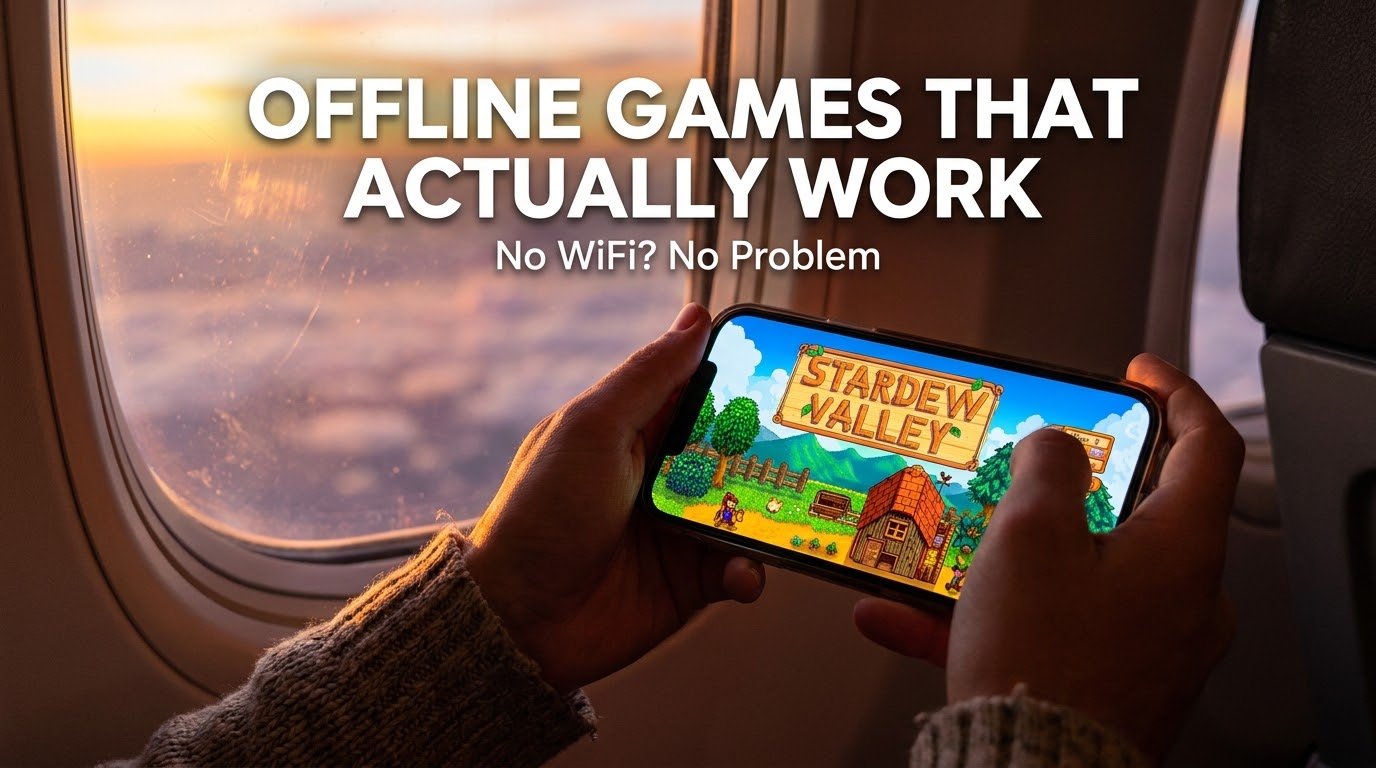
I learned this lesson the hard way on a 14-hour flight with no in-flight Wi-Fi and a phone full of games that all needed an internet connection to even open. Every single one just sat there on a loading screen, waiting for a server that wasn’t coming. I spent most of that flight watching the seatback map inch across the Atlantic instead.
Since then, I’ve gotten borderline obsessive about testing which “offline” games actually work offline, because a lot of them lie about it. The Play Store listing says offline support, but the second you turn on airplane mode, half of them demand a login screen anyway.
I’ve since built a small folder of games on my phone that survive flights, subway rides, rural areas with zero signal, and the classic “phone died and now I’m on 4% battery in power saving mode” situation. Here’s what’s actually earned a permanent spot, based on real testing, not just a scraped list.
Why “offline” doesn’t always mean offline
This tripped me up more than once early on. A game can technically have offline features while still requiring an internet connection to open, log in, or save your progress. Some games let you play offline only after you’ve completed an online tutorial first, which is useless if you find out mid-flight.
The games below were tested by actually turning on airplane mode and trying to open, play, and save progress with zero connection the entire time. If a game failed that test, it’s not on this list, no matter how good it looked on paper.
The games that actually held up
Stardew Valley
This is the one I recommend to almost everyone now. You inherit a run-down farm and slowly build it into a working property, mining, fishing, farming, and getting to know the townspeople along the way. It’s a premium paid game, which honestly works in its favor here, since there’s no pressure to shove ads or online-only events into it. I’ve put embarrassingly long hours into this one on flights alone, and it never once asked for a connection.
Minecraft (offline/local worlds)
Obviously you need internet the first time to download it, but once it’s installed, local worlds run completely offline. No servers, no login walls, just building and surviving on your own terms. It’s one of those games that somehow still feels fresh no matter how many hours you’ve already put into it elsewhere.
Alto’s Odyssey
If you want something more relaxing, this one’s from the same studio behind Monument Valley, and it’s built around sandboarding across a genuinely gorgeous desert landscape. There’s a dedicated Zen Mode with no scoring and no way to fail, which honestly makes it one of the best “I just want to zone out for twenty minutes” games I’ve used. Fully offline, no exceptions.
Monument Valley (1 and 2)
A puzzle game built around optical illusions and impossible architecture. Short, but genuinely well crafted, and it’s aged really well despite being out for years now. Completely offline once downloaded, no ads, no interruptions.

Dead Cells
This one surprised me. It’s a full roguelike action game with genuinely deep combat, and it runs fully offline with no compromises. If you’re used to console or PC-style games and want something with actual depth on your phone, this is one of the closest experiences I’ve found. It also supports a controller if you’ve got one paired, which makes longer sessions noticeably more comfortable than touchscreen controls.
Terraria
Basically a 2D sandbox survival game with an enormous amount of content, crafting, building, exploring, fighting bosses. I’ve genuinely lost track of time playing this one during long train rides. Fully playable offline, and there’s enough content here to last dozens of hours without repeating yourself much.
Shadow Fight 2
A surprisingly deep offline fighting game with a long campaign against AI opponents. It leans more toward the free-to-play side, so expect some optional in-app purchases, but the core campaign itself doesn’t require internet at any point.
Hill Climb Racing 2 (offline mode)
A goofy physics-based driving game that’s perfect for short bursts of play, waiting rooms, commutes, that kind of thing. The core single-player content works offline, though certain online events and leaderboards obviously need a connection, which is fine since that’s not really why you’re playing it anyway.
GTA: San Andreas / GTA: Vice City (mobile versions)
These are paid mobile ports of the classic games, and they’re genuinely full open-world experiences that work entirely offline once installed. If you grew up on these games, having a real, complete version in your pocket that doesn’t need internet at all is honestly still a little surreal to me.
Alien: Isolation
A rare case of a genuinely tense, narrative-driven survival horror game on mobile that runs fully offline. It’s a paid title, and it’s not for everyone since it leans slow and atmospheric, but if that’s your thing, it’s one of the better mobile ports I’ve tested.
Step-by-step: how to actually confirm a game works offline before you need it
Don’t wait until you’re already stuck without internet to find out a game doesn’t actually work offline. Here’s what I do before any trip now:
- Install the game while connected to Wi-Fi, and open it at least once. A lot of games download extra content or finish setup on that first launch, which won’t happen without a connection.
- Complete any required tutorial or intro sequence. Some games lock the actual offline mode behind an initial online-only tutorial.
- Turn on Airplane Mode, then close and reopen the game completely, not just switch back to it.
- Actually play for a few minutes and try saving your progress. Some games let you play offline but fail to save without a connection, which defeats the purpose entirely.
- Check your available storage before a trip. Several of these games get noticeably larger after their first launch as they download additional content, so leave more room than the initial Play Store size suggests.

A mistake that taught me this the hard way
Before that flight I mentioned, I genuinely assumed “single-player game” automatically meant “offline game.” That’s not the same thing at all. Plenty of single-player mobile games still require a login, an ad server check, or an internet connection just to load the main menu, even if the actual gameplay itself doesn’t need one.
Now I test everything with airplane mode before I trust it for a trip, no exceptions, and it’s saved me from a repeat of that boring 14-hour flight more than once.
Common mistakes to avoid
Assuming a “download for offline” label means the whole game works offline. Sometimes only specific levels or modes are actually downloadable, while the rest of the game still needs a connection.
Not testing before you actually need it. Always confirm offline functionality at home first, not when you’re already stuck without a signal.
Ignoring storage requirements. Several of these games balloon in size after the first launch, so check your available space beforehand, especially on phones with limited storage.
Forgetting that free-to-play games often gate features online. Premium paid games like Stardew Valley or Dead Cells tend to have the cleanest fully offline experience, since there’s no live-service system to worry about.
Not pairing a controller for games that support one. If you’ve got a cheap Bluetooth controller lying around, games like Dead Cells and Terraria genuinely feel noticeably better with actual buttons instead of touchscreen controls.
Final thoughts
A charged phone and a genuinely good offline game has saved me more boring flights, train rides, and dead-zone road trips than I can count at this point. The frustrating part is that a lot of games claim offline support without actually delivering it, so a little upfront testing goes a long way before you actually need it.
Pick two or three from this list based on what you’re into, whether that’s relaxing farm sims, deep action combat, or full open-world exploration, and test them properly with airplane mode before your next trip. Future you, stuck somewhere with zero signal, will genuinely thank you for it.