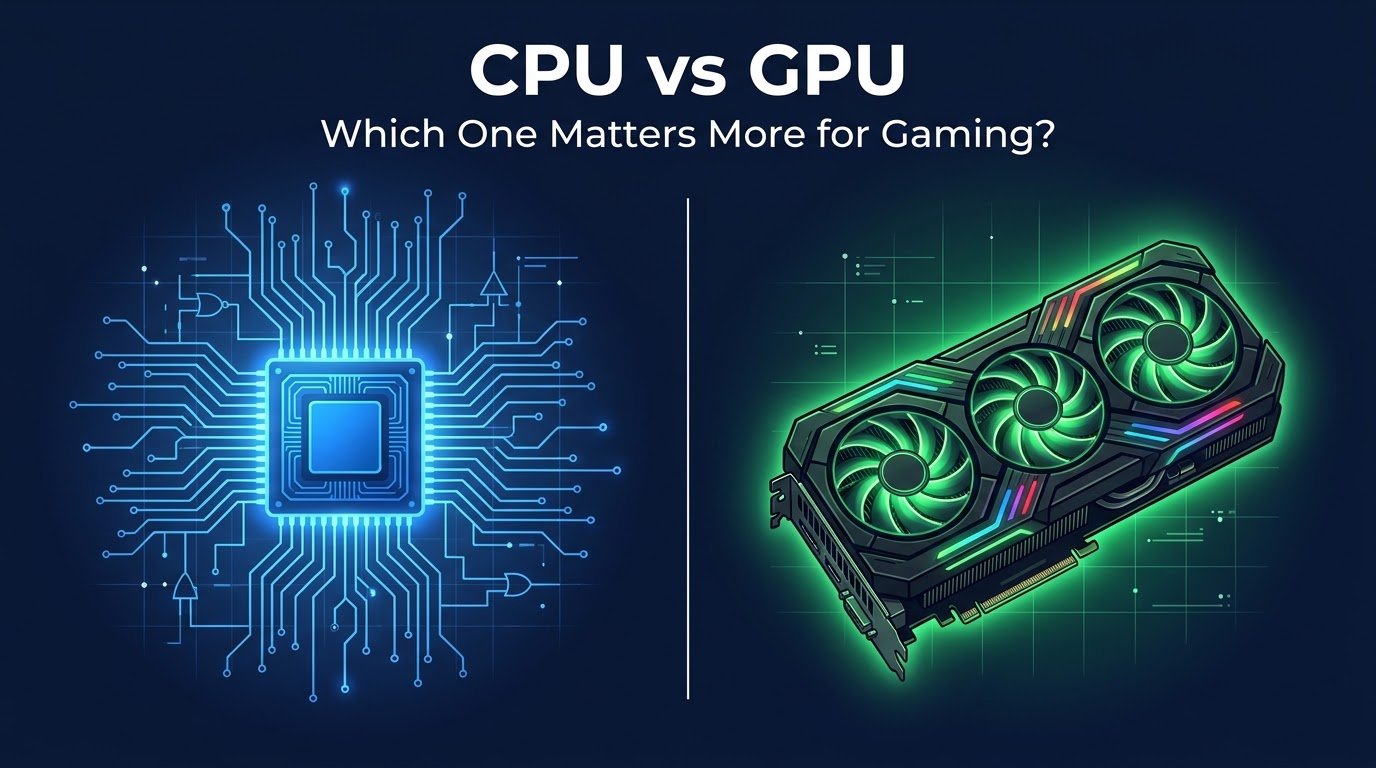
Three years ago I dropped almost $700 on a graphics card. Top of the line at the time, the kind of purchase you brag about to your friends. I plugged it into my old rig, fired up a game, and… nothing changed. Same choppy frame rate, same annoying stutter every time I turned a corner in a shooter.
I remember sitting there thinking I got scammed. I hadn’t. My CPU was the problem the whole time, and I’d spent all my money on the wrong part.
That mistake cost me a paycheck and taught me more about PC hardware than any YouTube video ever did. So let’s actually talk about this, the way I wish someone had talked to me back then.
The short answer nobody wants to hear
It depends on what you’re doing with the PC.
I know, I know. Everyone wants a clean “GPU wins” or “CPU wins” answer. But after building four different gaming rigs, helping two of my cousins pick parts, and troubleshooting more bottleneck issues than I care to count, I can tell you the honest truth: both parts matter, just in different situations.
Let me break down where each one actually pulls its weight.
What the GPU is really doing
Think of the GPU as the part drawing the picture on your screen, frame by frame, dozens of times a second. Textures, lighting, shadows, reflections in a puddle, the sweat on a character’s face in some overly detailed cutscene, that’s all GPU work.
If you play anything visually heavy, like Cyberpunk 2077, Red Dead Redemption 2, or Alan Wake 2, the GPU is doing the heavy lifting. Crank up the resolution to 1440p or 4K, or turn on ray tracing, and the GPU is basically the whole show.
This is why gamers obsess over cards like the RTX 4070 or 4080. Higher resolution and fancier visual effects lean almost entirely on graphics horsepower.
What the CPU is really doing
The CPU is the part handling everything happening behind the scenes. Physics calculations, AI behavior (how enemies react to you), game logic, loading data, and feeding instructions to the GPU so it knows what to draw next.
Games with tons of stuff happening at once lean hard on the CPU. Think city-builders like Cities: Skylines, strategy games like Civilization VI, or competitive shooters like Valorant and CS2 where frame rate at lower resolutions is everything.
Here’s the thing that tripped me up back then. My CPU (an old quad-core from 2015) simply couldn’t feed instructions to my new GPU fast enough. The graphics card was basically sitting there waiting around. That’s called a CPU bottleneck, and it’s more common than people think.
My actual bottleneck story, step by step
I want to walk you through what happened because I think a lot of people make this exact mistake.
Step 1: I upgraded the GPU only. New RTX card, same old CPU. I assumed graphics card equals better frame rates, full stop.
Step 2: I opened Task Manager while gaming. This is the part most people skip. I hit Ctrl+Shift+Esc, went to the Performance tab, and watched my CPU usage sit at 95-100% while my GPU usage hovered around 50-60%.
Step 3: I realized the GPU was starving. It had plenty of power left, but the CPU couldn’t keep up with feeding it data. Classic bottleneck.
Step 4: I used a tool called MSI Afterburner (free, works alongside most games) to monitor both CPU and GPU usage in real time with an on-screen overlay. This confirmed what Task Manager showed me.
Step 5: I upgraded the CPU six months later once I’d saved up again, moving to a Ryzen 5 5600. Same GPU, same games. My frame rates in CPU-heavy titles jumped by nearly 40%.
That gap between step 1 and step 5 taught me the lesson the expensive way.

How to actually check your own bottleneck
You don’t need to guess. Here’s what I do now before recommending any upgrade to friends:
- Open Task Manager (Ctrl+Shift+Esc on Windows) and go to Performance.
- Launch the game you play most.
- Watch both CPU and GPU usage for a few minutes of normal gameplay.
- If your GPU usage is consistently below 90% while CPU sits near 100%, your CPU is holding things back.
- If it’s the opposite, and your GPU is maxed out while CPU has room to spare, the GPU is your limiting factor.
Free tools like MSI Afterburner or HWiNFO give you a cleaner overlay if Task Manager feels clunky. I use Afterburner because it’s simple and doesn’t tank performance while running.
Real examples that made this click for me
When I play CS2 at 1080p on my current rig, my CPU usage climbs while GPU usage stays lower, since competitive shooters need fast frame rates and quick calculations, not fancy visuals.
When I play something like Hogwarts Legacy at 1440p with ray tracing on, it flips completely. GPU usage pins near 99% while CPU barely breaks a sweat.
Same PC, two completely different bottlenecks depending on the game. That’s the part a lot of buying guides don’t explain well enough.
Common mistakes people make (I’ve made most of these)
Buying the flashiest GPU without checking your CPU first. This was literally my $700 mistake. A powerful GPU paired with an old or weak CPU won’t perform anywhere near its potential.
Ignoring resolution when planning an upgrade. If you’re gaming at 1080p, CPU matters more than most people expect. At 4K, the GPU takes over almost entirely. Your target resolution changes the whole equation.
Forgetting about RAM and storage. This isn’t strictly CPU or GPU, but slow RAM or an old hard drive instead of an SSD can create stutters that look like a CPU or GPU issue but aren’t. I wasted a weekend once chasing a “GPU problem” that turned out to be a nearly full, fragmented hard drive.
Not updating drivers. Sounds obvious, but outdated GPU drivers (grab them from Nvidia GeForce Experience or AMD Adrenalin) can tank performance in ways that look like a hardware bottleneck.
Overspending on one part while starving the whole build. Balance matters more than any single component. A $1500 GPU paired with a budget CPU is like putting a race car engine in a car with bicycle tires.
So which one matters more for you?
If you’re playing competitive, fast-paced games at 1080p Valorant, CS2, Overwatch 2 lean toward a stronger CPU. High frame rates in these titles depend heavily on processing speed.
If you’re chasing beautiful visuals at 1440p or 4K, playing single-player story games, open-world titles, or anything with ray tracing the GPU deserves more of your budget.
Most people landing somewhere in between should aim for balance. A rough rule I follow now: don’t pair a high-end GPU with a budget CPU, and don’t pair a high-end CPU with a weak GPU. Match them within the same performance tier.

Final thoughts
I still think about that $700 card sitting there half-asleep in my old rig, waiting on a CPU that couldn’t keep up. It’s a cheap lesson to learn from someone else instead of learning it the hard way like I did.
Before you spend money on your next upgrade, open Task Manager, watch your usage for ten minutes while you play, and let your own PC tell you what it actually needs. That fifteen minutes of checking will save you from making the same mistake I made.
Your build, your games, and your bottleneck are all a little different. Trust the numbers on your own screen over any generic advice, including mine.