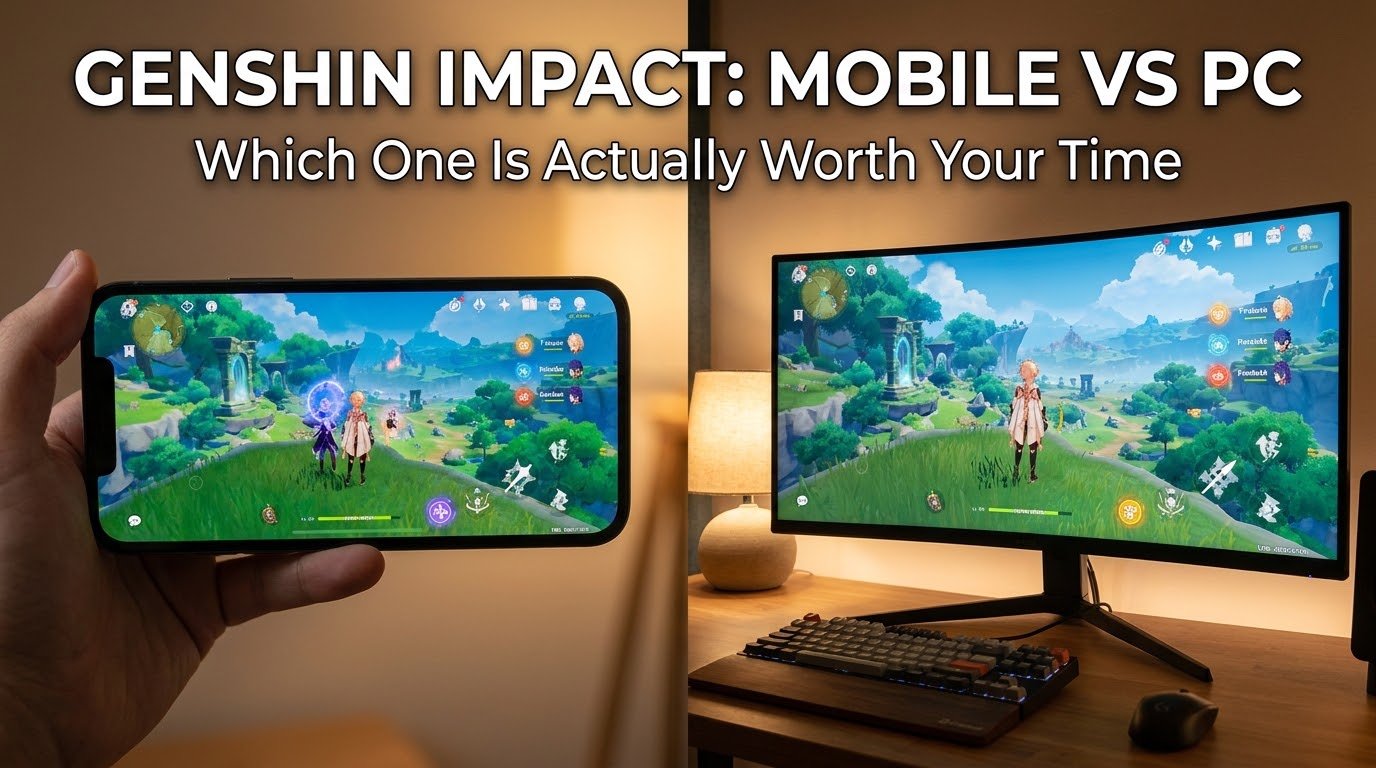
I started playing Genshin Impact on my phone during a bus ride, purely to pass the time. Three hours later I missed my stop. That’s when I knew this game had its hooks in me.
For the first few months, mobile was all I had. Then I got access to a decent PC and tried the same game there, and honestly, I was shocked at how different the experience felt. Not just visually, but in ways I hadn’t even considered before actually sitting down and comparing them side by side.
If you’re stuck deciding whether to keep grinding on your phone or move over to PC, I’ve genuinely spent way too many hours on both versions to give you a real answer instead of the generic “it depends” response you see everywhere.
My Honest First Impressions Switching From Mobile to PC
The first thing that hit me was how much sharper everything looked. Character models, environments, lighting effects, all of it just had more detail on PC. On mobile, especially on a mid-range phone, a lot of that detail gets smoothed out or blurred to keep performance stable.
But here’s the thing nobody warned me about: my phone battery used to drain in about 90 minutes of continuous play, and it got noticeably warm. On PC, none of that was a concern anymore. I could play for hours without worrying about heat or battery percentage dropping in real time.
That alone changed how I played. I found myself doing longer exploration sessions on PC and shorter, quick daily commissions on mobile.
Where Mobile Actually Wins (Yes, Really)
I went in assuming PC would just be better in every way. That assumption was wrong, and I learned that the hard way after a few weeks of switching back and forth.
Convenience is mobile’s biggest strength. I do my dailies, spend my resin, and check event stuff during random pockets of free time. Waiting in line, sitting in a car, lying in bed before sleeping. PC gaming requires actually sitting at a desk, which just doesn’t fit into those small windows of time the same way.
Touch controls work better than I expected for certain content. For simple exploration and basic combat, tapping and swiping on mobile felt surprisingly natural once I got used to it. I was skeptical at first coming from console-style games, but Genshin’s mobile controls are genuinely well optimized.
Battery packs make mobile sessions longer than you’d think. I started carrying a small power bank specifically for gaming sessions, and that basically solved my battery drain complaint entirely.

Where PC Clearly Pulls Ahead
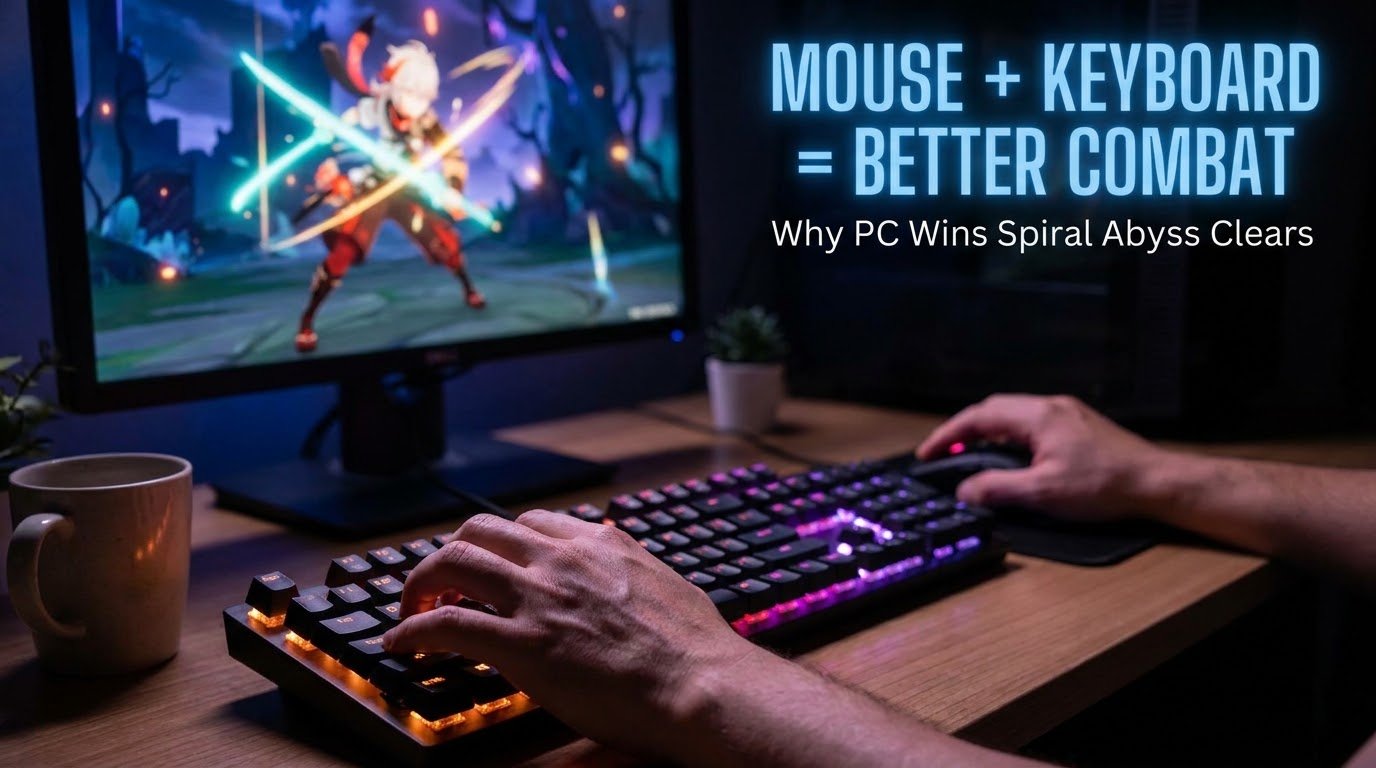
Combat precision is just better with a mouse and keyboard. This became obvious to me during harder Spiral Abyss floors. Aiming with characters like Fischl or Tighnari felt so much more accurate with a mouse compared to a touchscreen. I noticed my clear times improving noticeably after switching.
Visual quality genuinely changes how you experience the game’s world. Areas like Sumeru’s rainforest or the underground Fontaine sections look dramatically better on PC. Lighting, shadow detail, and draw distance all improve significantly when you’re not limited by a phone’s hardware.
No overheating, no battery anxiety, no random app switching interruptions. On mobile, a phone call or notification can pull you out of the game at the worst possible moment. On PC, that’s basically a non-issue.
Multi-tasking while playing is actually possible. I regularly have a guide open on a second monitor or browser tab while playing on PC, something that’s just clunky to do on a single phone screen.
Step-by-Step: How I Actually Set Up Both Versions Properly
For Mobile
- Make sure you’re running the game on Wi-Fi, not mobile data, especially during updates which can be 5-10GB in size
- Go into Settings, then Graphics, and manually lower rendering resolution if your phone isn’t a flagship model
- Enable Battery Saver mode within the game’s graphics settings if you’re playing on the go
- Use a phone cooling clip if you notice consistent overheating during longer sessions, I picked up a cheap one for a few dollars and it made a real difference
For PC
- Download directly from the official Genshin Impact website rather than random third-party sources
- In-game, go to Settings, then Graphics, and adjust render resolution and shadow quality based on your specific GPU
- If you’re on a lower-end PC, don’t panic, Genshin actually runs decently once you dial in the right settings, so it’s worth spending ten minutes tweaking resolution and shadow quality before assuming your PC “can’t handle it”
- Enable V-Sync if you notice screen tearing during camera movement
A Mistake I Made Early On
I tried linking my mobile progress to PC assuming it would be instant and automatic. It wasn’t quite that simple the first time. I had to properly log in using the same account method (I use the linked email/password system rather than guest login) on both platforms, and I nearly lost access to my account entirely because I had originally started on a guest account on mobile without realizing the risk.
Lesson learned the hard way: always link your account to an actual email address immediately, even if you’re only playing casually. I got lucky and recovered mine after a stressful support ticket process, but plenty of people aren’t as fortunate.
Real Scenarios: Which One Should You Actually Pick
If you commute a lot or have unpredictable free time, mobile fits your lifestyle better. I still use mobile for that exact reason on busy days.
If you’re doing endgame content like high-floor Spiral Abyss clears, PC gives you a genuine mechanical advantage through better input precision and frame stability.
If you just want to enjoy the story and exploration without worrying about combat optimization, either platform works fine, and honestly the story hits just as hard on a phone screen as it does on a monitor.
If your phone is a budget or older model, PC will likely give you a smoother, less frustrating experience overall since Genshin can be demanding even at lower settings on weaker phones.
I actually went deeper into this exact debate from a broader gaming perspective, not just Genshin specifically, in Mobile Gaming vs PC Gaming, if you want a wider comparison beyond just this one game.
Common Mistakes People Make Choosing Between The Two
Assuming PC is objectively better in every scenario. It’s not. Convenience matters more than people admit, especially for a live-service game you’ll be checking in on daily for months or years.
Not adjusting graphics settings properly on either platform. I ran max settings on my phone for weeks before realizing it was unnecessarily draining battery and causing overheating for barely noticeable visual improvement.
Starting on a guest account without linking it properly. I already mentioned this, but it’s worth repeating because it’s such an easy mistake to make and such a painful one to fix.
Ignoring controller support on PC. A lot of players don’t realize Genshin supports controllers on PC too, which gives you a nice middle ground between mobile’s relaxed feel and mouse-and-keyboard precision.
Switching platforms constantly without a clear reason. I did this early on just because I could, and it honestly made my playtime feel scattered instead of enjoyable. Pick a primary platform based on your actual lifestyle, and use the other as a backup.
Final Thoughts
Neither version is strictly better than the other, and I say that after genuinely putting serious hours into both. It really comes down to how and when you actually play.
I personally settled into using mobile for daily check-ins and quick tasks, and PC for weekend exploration sessions and harder combat content. That combination works well for my schedule, but yours might look completely different depending on your own routine.
If you’re still undecided, just try both for a week using the same account and pay attention to which one you naturally reach for more often. That’ll tell you more than any comparison article ever could, including this one.
For official system requirements and platform-specific details straight from the source, HoYoverse’s official Genshin Impact website is worth checking before deciding which setup to commit to long term.