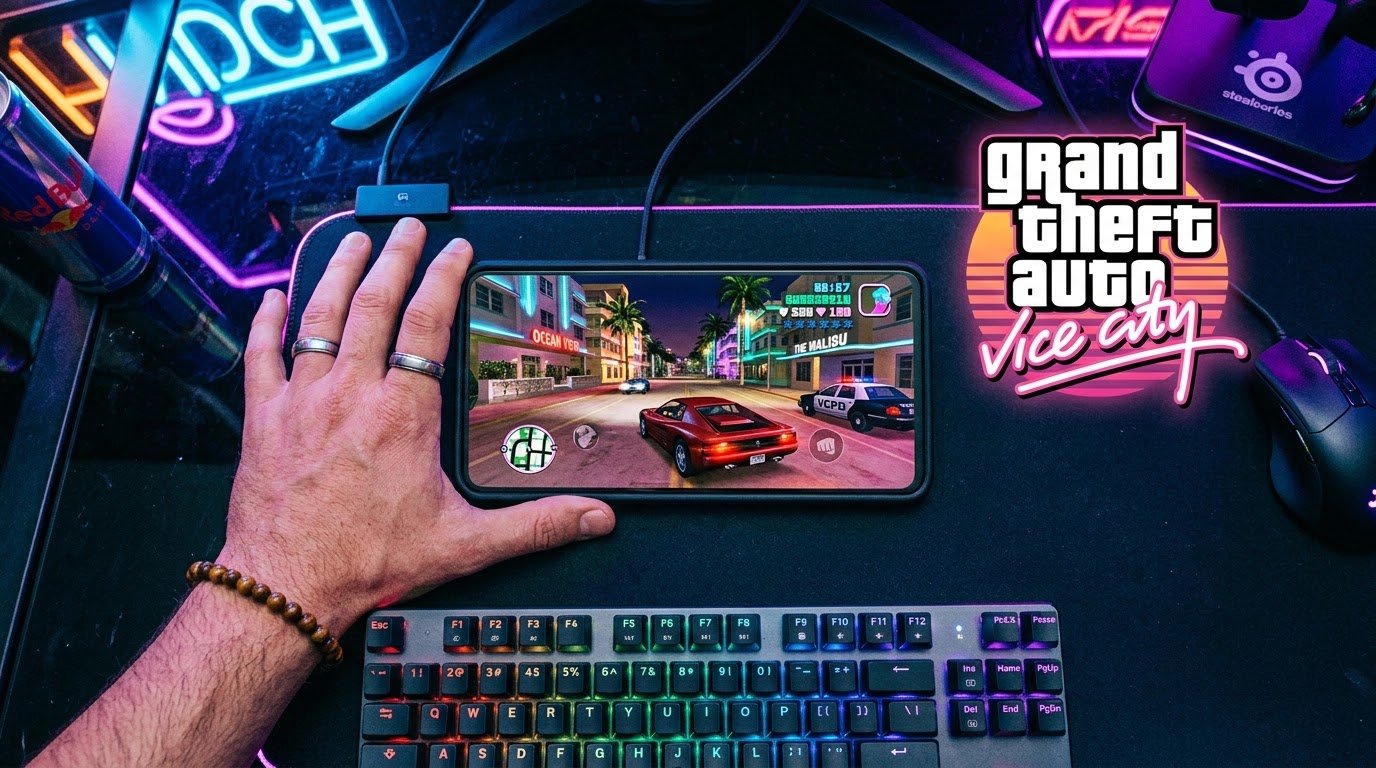
A few months back my cousin visited and saw an old Vice City poster I still have framed in my room. Yeah, I’m that guy. He asked if he could play it on his phone right there on the couch. I said “sure, give me two minutes” expecting to dig through emulator settings like I usually do for older GTA games. Turns out I didn’t need to. I just opened the Play Store, typed the name in, and there it was. Official app, Rockstar logo and everything.
That surprised me, honestly, because I’d spent so much time in the past dealing with fake GTA APKs for other titles that I assumed Vice City would be the same story. It’s not. This one’s actually simple, once you know what you’re doing.
Good News First: This Isn’t a Myth
Unlike GTA 5, Vice City genuinely does have an official mobile version. It’s called GTA: Vice City – The Definitive Edition, and Rockstar put it on both the Google Play Store and the Apple App Store themselves. Real app, real support, updates that actually roll out.
This isn’t the same as the original 2012 mobile port some of you might remember either (the one with the slightly clunky touch controls and pixel-era menus). This is the remastered version same Tommy Vercetti story, same 1980s soundtrack, but with sharper textures, better lighting, and controls that borrow from the more modern GTA games.
How I Actually Got It Running
Here’s exactly what I did on my Android phone, step by step:
- Opened the Play Store and searched “GTA Vice City Definitive.”
- Tapped install — the app itself downloads free.
- Once it opened, I got a 30-minute free trial to test performance on my device before committing to buy it.
- After the trial, I bought the full unlock through an in-app purchase to keep playing without the timer.
- Signed in with my Rockstar Games Social Club account (it prompted me during setup) so my progress could sync if I ever played on another device.
That’s genuinely it. No sideloading, no permissions warnings, no sketchy “click here to verify you’re human” pages.
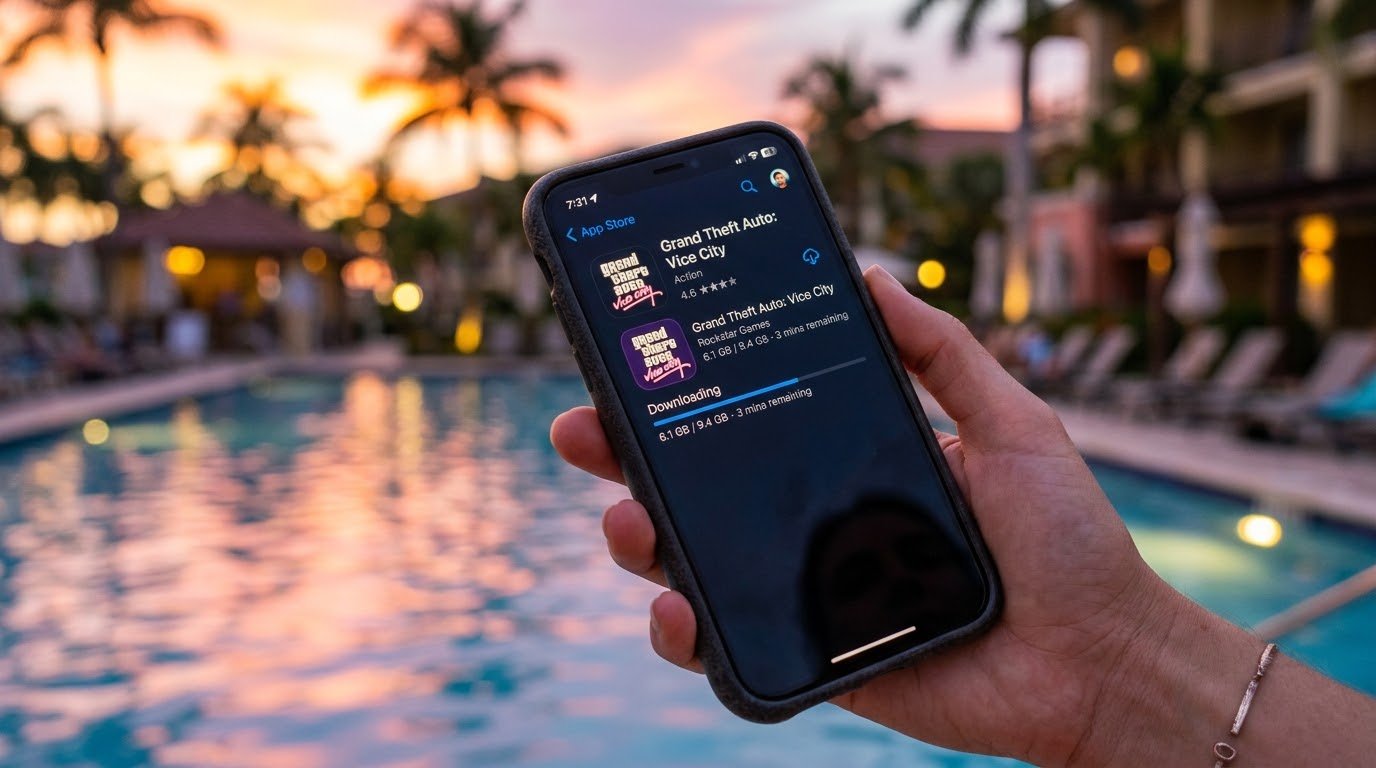
One thing worth knowing before you download: this is not a small app. Between the base install and the extra data it downloads on first launch, I ended up using close to 4GB of storage. If your phone’s already running low on space, clear some room first. I learned this the hard way when the download stalled halfway through and I had to delete two apps just to finish it.
The GTA+ Shortcut
If you already subscribe to Rockstar’s GTA+ membership (mainly known for GTA Online perks), you actually get Vice City Definitive Edition included on mobile at no extra cost, no in-app purchase needed. I didn’t know this going in and ended up paying for the unlock separately before a friend told me. If you’re already a GTA+ member, check that first before buying it again like I did.
What the Actual Experience Feels Like
I played through the opening missions on my phone over a weekend, and here’s my honest take.
Touch controls are okay, not great. Rockstar built in the same virtual joystick and button layout they use in other mobile GTA titles. Driving felt fine. Aiming during shootouts felt a little floaty, especially when I was trying to line up a shot while moving.
A controller changes everything. I paired a cheap Bluetooth controller I already had, and the difference was night and day. Combat suddenly felt like the console version I remembered. If you’re serious about actually enjoying this and not just messing around for ten minutes, spend the extra effort pairing a controller.
Performance depends heavily on your phone. On my mid-range Android device, it ran smooth during regular exploration but dipped a bit during busy street scenes with lots of traffic and pedestrians. A friend of mine tried it on an older budget phone and had noticeably choppier framerate. This game isn’t as demanding as GTA 5, but it’s not nothing either — don’t expect miracles on a phone that’s already a few years old.
Battery drain is real. An hour and a half of play took my battery down by roughly 35%. Keep a charger nearby if you’re planning a longer session.
What About Simulators and Emulators?
Since Vice City already has an official mobile app, you honestly don’t need an emulator or PC-game simulator to play it on your phone that whole workaround exists mainly for games that never got an official mobile release, like GTA 5.
That said, some people ask about this because they want the original 2002 PC version of Vice City running on mobile, nostalgia and all, rather than the remastered Definitive Edition. If that’s genuinely what you’re after, tools like Winlator on Android can technically run older, lighter PC games since Vice City’s original release is far less demanding on hardware than modern titles. I tried this out of curiosity and it actually ran reasonably well, better than I expected, mostly because the 2002 version simply asks a lot less of your phone’s processor than a modern remaster would.
Still, for most people, the official Definitive Edition app is going to be the smoother, less fiddly path. I’d only bother with the emulator route if you specifically want that old-school look and feel.

Common Mistakes I Made (Or Saw Others Make)
Buying the unlock before checking GTA+. Already covered this one, but it stings enough to mention twice. Check your subscriptions before spending real money.
Not clearing enough storage first. A failed download because your phone is at 200MB free space is an annoying way to lose fifteen minutes of your evening.
Skipping the free trial and buying blind. The 30-minute trial exists so you can test performance on your specific device before paying. Use it. If it stutters badly in the trial, it’s probably going to stutter after you buy it too.
Trusting random “modded APK” download sites promising free unlocks or unlimited money cheats. Since the actual game is legitimately available and reasonably priced, there’s no good reason to risk your phone’s security downloading a version from some sketchy third-party site. I’ve seen enough of these turn into malware traps with older GTA titles to know it’s not worth the shortcut.
Forgetting to link Social Club. If you skip signing in, your save might not transfer if you switch phones or reinstall later. Takes ten seconds to set up and saves a headache down the line.
Final Thoughts
Vice City on mobile is one of those rare cases where the “official” route is actually the easy route too. No hoops to jump through, no hunting down sketchy files, no guessing whether something’s legitimate. Just the Play Store or App Store, a bit of storage space, and a controller if you want it to actually feel good to play.
If you’re chasing that specific nostalgia of the original 2002 PC release instead of the remaster, an emulator like Winlator can get you there since the game is light enough for most phones to handle. But if you just want to cruise around Vice City again on your phone without overthinking it, downloading the real app is genuinely the whole process.