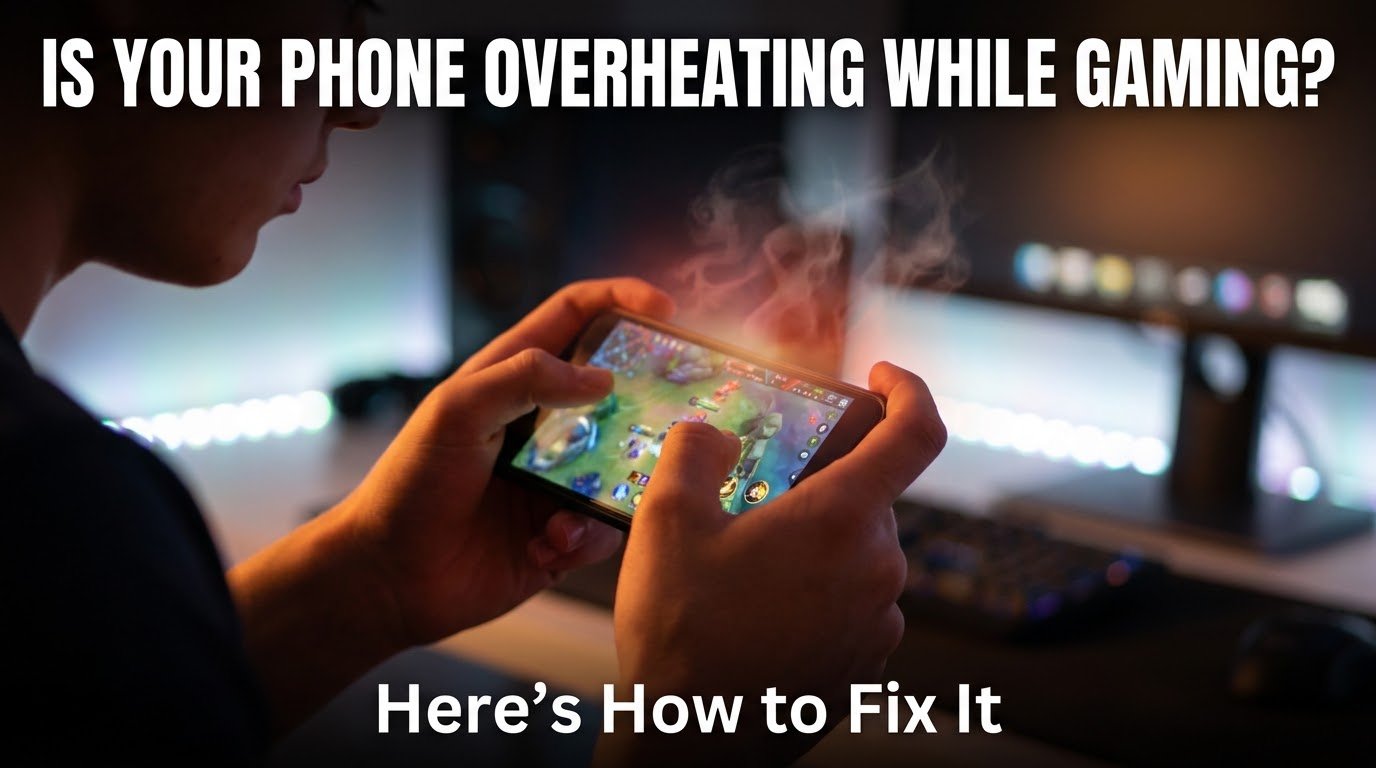
I still remember the exact moment I almost dropped my phone. I was three rounds into a ranked match, phone propped up on a stand, thumbs going crazy, and suddenly the back of my device felt like it had just come out of a microwave. Not warm. Hot. Like, “why does this feel like a stove” hot.
That was my Redmi Note phone back in 2022, and honestly, that heat spike cost me the match because my frame rate dropped so badly the game basically turned into a slideshow. I lost, got annoyed, and then spent the next two weeks obsessively figuring out why phones do this and what actually works to stop it.
So this isn’t some copy-pasted list from a tech spec sheet. This is stuff I’ve genuinely tested some of it worked great, some of it was a complete waste of money, and a couple of things surprised me.
Why Your Phone Turns Into a Hand Warmer in the First Place
Gaming is basically the most demanding thing you can do to a phone’s processor. Unlike scrolling Instagram or texting, a game keeps your CPU and GPU working at near-full capacity for long stretches, sometimes 30 minutes to an hour straight if you’re deep into something like PUBG Mobile, Genshin Impact, or Call of Duty Mobile.
All that processing work generates heat. It’s simple physics the chip is working hard, so it produces energy as heat, and phones are small, tightly packed devices with almost no room for that heat to escape. Add in a bright screen, active internet connection, GPS if the game uses location, and background apps still running, and you’ve basically built a tiny furnace in your pocket.
The scary part isn’t just the discomfort. When phones get too hot, most of them automatically slow down the processor to protect themselves. This is called thermal throttling, and it’s exactly what killed my frame rate in that ranked match. Your phone isn’t malfunctioning it’s protecting itself, but the side effect is laggy, stuttery gameplay right when you need smooth performance the most.
The Mistakes I Made (So You Don’t Have To)
Before I figured out what actually helps, I tried a bunch of things that either did nothing or made things worse.
Mistake one: gaming with the phone plugged in and charging. I thought I was being smart by keeping my battery topped up during long sessions. Turns out charging while gaming is one of the fastest ways to overheat a phone. You’re generating heat from the game AND heat from the charging circuit at the same time. Rookie mistake.
Mistake two: buying a cheap cooling fan clip off an online marketplace. I bought one of those clip-on fans for around $8 thinking it would be a miracle fix. It helped a little, maybe dropped the surface temperature by a couple of degrees, but it was mostly noise and marketing. Not totally useless, but not the game-changer I expected either.
Mistake three: keeping fifteen apps running in the background. I didn’t realize how much background clutter — WhatsApp, browser tabs, Spotify, random social apps was quietly eating into my RAM and CPU cycles while I gamed. Closing them made a noticeable difference.
What Actually Works: My Step-by-Step Routine
After a lot of trial and error, here’s the actual process I follow now before and during long gaming sessions.
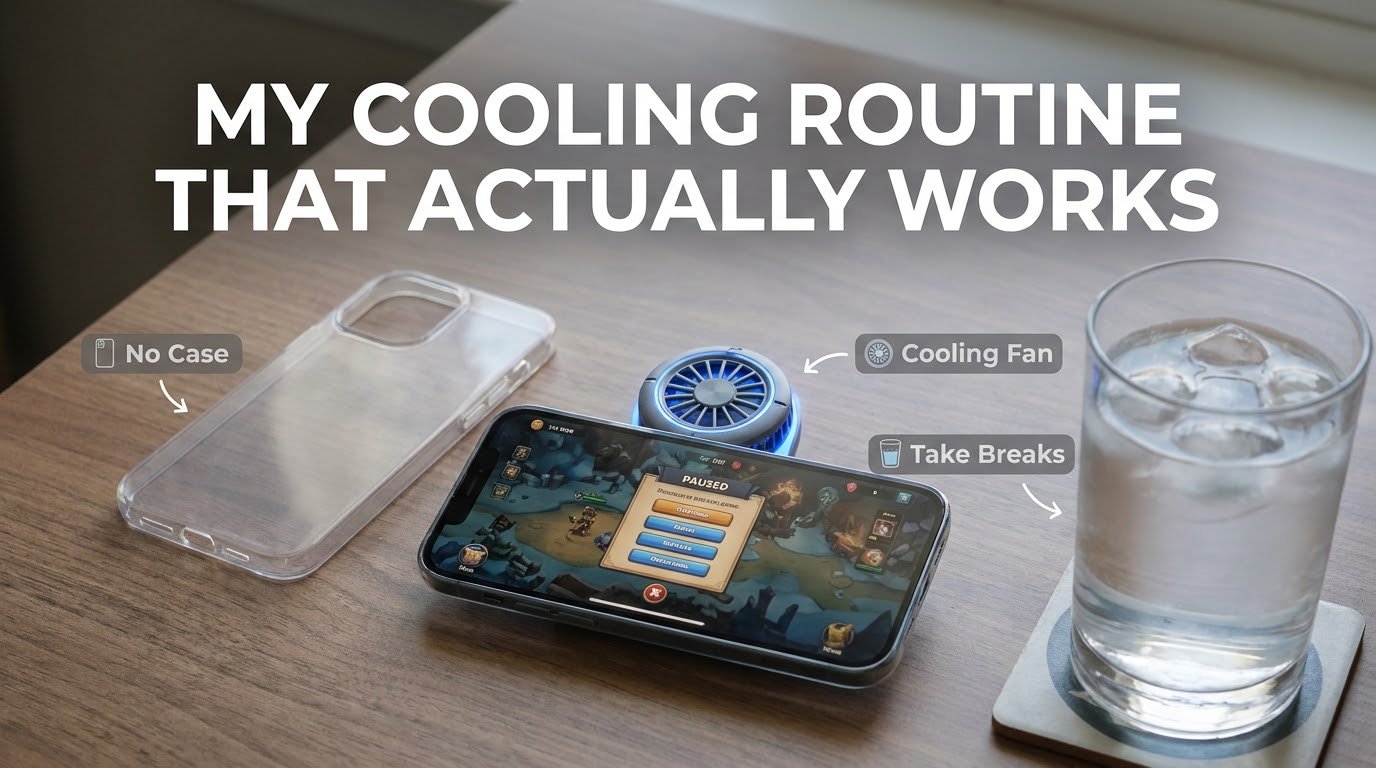
1. Take the case off (if it’s a thick one)
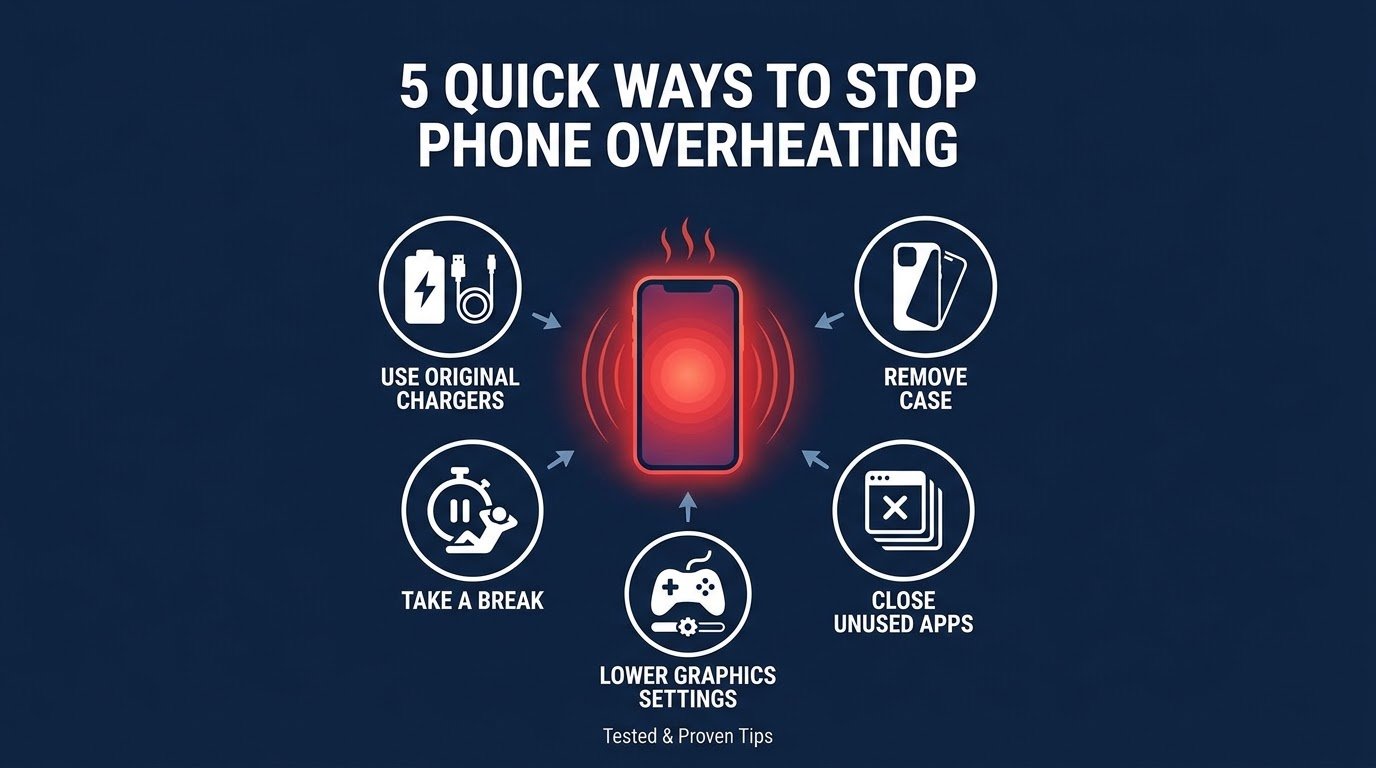
This sounds too simple to matter, but it genuinely does. Thick phone cases, especially the rugged or wallet-style ones, trap heat against the back of the phone instead of letting it dissipate into the air. I noticed a real difference just removing my case during intense sessions. If you’re worried about drops, at least switch to a thin case while gaming.
2. Lower the in-game graphics settings
I know, nobody wants to hear this. But dropping from “Ultra” or “HDR” to “High” or “Medium” settings in games like COD Mobile or Genshin Impact reduces how hard your GPU has to work. You’ll barely notice the visual difference on a small screen, but your phone will run noticeably cooler and your battery will last longer too.
3. Close background apps before you start
Takes ten seconds. Swipe up, close everything you’re not using, then launch the game. Fewer apps competing for CPU and RAM means less overall heat generation.
4. Turn off unnecessary features
Bluetooth, GPS, and even Wi-Fi hotspot if it’s on these all add extra load. If you’re not using them during your session, switch them off.
5. Don’t charge while playing
If your battery’s low, pause the game, let it charge for 15-20 minutes, then unplug and continue. It’s not the most convenient advice, but it makes a real difference in heat buildup.
6. Use a proper cooling accessory (skip the cheap clip fans)
After my disappointment with that $8 clip fan, I actually invested in a Black Shark cooling fan (the magnetic kind that attaches to the back of the phone). It made a genuinely noticeable difference — my surface temperature dropped by what felt like 5-7 degrees Celsius during long sessions, and the throttling issue basically disappeared. Brands like Black Shark, Razer, and RedMagic all make decent gaming coolers if you’re a serious mobile gamer.
7. Take breaks every 30-40 minutes
I used to grind for two hours straight without stopping. Now I take a five-minute break roughly every half hour. It gives the phone a chance to cool down and honestly it’s better for your eyes and hands too.
8. Play in a cooler environment
This one’s obvious but easy to forget. Gaming under direct sunlight or in a hot room makes everything worse because the phone can’t dissipate heat into the surrounding air effectively. Find some shade, use AC if you have it, or just avoid gaming in your car on a summer afternoon.
9. Keep your phone’s software updated
Manufacturers regularly release updates that improve thermal management and battery optimization. I ignored updates for months on one phone and noticed real improvement in heat control after finally updating it.
Real Example: My Two-Week Test
To actually confirm this wasn’t placebo, I ran a rough experiment. For one week, I gamed with zero precautions case on, charging while playing, all apps open, graphics maxed out. My phone regularly hit uncomfortable heat levels within 20 minutes, and I noticed visible lag in-game.
The second week, I followed the routine above. Same games, same duration, same phone. The difference was honestly bigger than I expected. Sessions lasted much longer before any noticeable heat, and I didn’t experience a single major frame drop from throttling.
This obviously isn’t a lab-grade scientific test, but it convinced me enough to stick with the habit permanently.
A Quick Note on Mobile vs PC Gaming Heat
If you’re someone who splits time between mobile and PC gaming like I do, you’ll notice PCs handle heat very differently thanks to dedicated cooling systems, fans, and way more internal space. I actually went into this in a lot more depth in my mobile gaming vs PC gaming comparison, where I broke down performance, hardware, and overall experience between the two worth checking out if you’re trying to decide where to put your time (and money) as a gamer.
Common Mistakes to Avoid (Quick Recap)
- Charging your phone while actively gaming
- Keeping a thick case on during long sessions
- Ignoring background apps that quietly drain resources
- Maxing out graphics settings just because you can
- Gaming in direct sunlight or hot rooms
- Skipping breaks during marathon sessions
- Assuming any cheap cooling gadget will fix everything
Final Thoughts
Overheating isn’t something you can completely eliminate phones are small, and physics doesn’t really care how much we want to win that next match. But there’s a real difference between a phone that gets warm and one that gets so hot it throttles your performance and ruins your gaming session.
Most of the fixes above cost nothing, they’re just habits. The cooling accessory is the only real purchase worth considering, and only if you game for hours at a stretch regularly. Try the free stuff first case off, apps closed, graphics dialed down a notch and see how much of a difference it makes before spending money on gadgets.
Your phone will thank you, your frame rate will thank you, and honestly, your hands will thank you too the next time you’re not gripping something that feels like it just came off a stovetop.